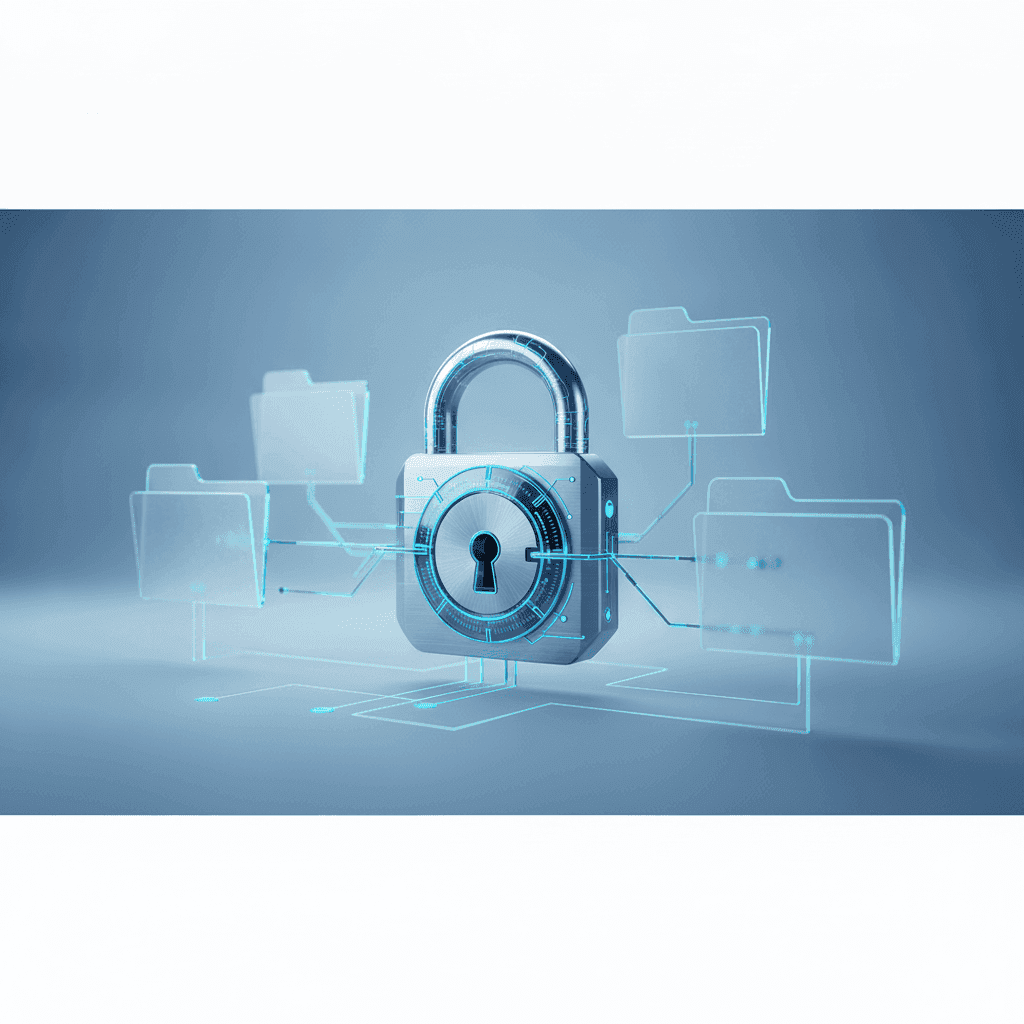
In today's digital landscape, your WordPress website is more than just an online presence – it's often the heart of your business, your personal brand, or a vital community hub. Yet, with great power comes great responsibility, and for WordPress users, that means taking security seriously. The internet can be a challenging neighborhood, full of automated bots and malicious actors constantly probing for weaknesses. A compromised website can lead to data loss, reputational damage, lost revenue, and even get your site blacklisted by search engines, making recovery a costly and stressful ordeal.
The good news is that securing your WordPress site doesn't require a cybersecurity degree. With a proactive mindset and a systematic approach, you can significantly fortify your defenses. This comprehensive checklist is designed for everyday website owners, not engineers, providing actionable steps and best practices to safeguard your WordPress installation from common threats like hacks, malware, and spam. Let's build a stronger, safer home for your website together.
Why WordPress Security Can't Be Ignored
WordPress powers over 43% of all websites on the internet, making it an incredibly popular target for attackers. While the platform itself is remarkably secure, its widespread use means vulnerabilities in themes, plugins, or user practices can be exploited. Attackers aren't necessarily targeting *your* specific small business; they're often running automated scripts that scan millions of sites for known weaknesses. If your site has an open door, they'll walk right in.
The consequences of a security breach extend far beyond a defaced homepage. A hacker could inject malicious code, steal customer data, use your server to send spam, or even redirect your visitors to phishing sites. Google might flag your site as unsafe, driving away potential visitors and severely impacting your SEO. Recovering from such an attack can take days or weeks of effort, potentially costing you money and trust. Prevention is always easier, cheaper, and less stressful than cure.
Fortify Your Foundation: Strong Passwords and User Management
Your login credentials are the keys to your website's kingdom. Weak or reused passwords are a hacker's dream. Every WordPress user, from administrators to contributors, needs to employ robust password practices. Think of them as complex, unique passphrases rather than simple words.
Beyond strong passwords, managing user roles effectively is crucial. Grant only the necessary permissions to each user. For instance, a blog contributor doesn't need administrator access. Limiting the number of admin users reduces potential entry points for attackers. Furthermore, avoid using the default 'admin' username. If your site still uses it, create a new administrator account with a unique username and then delete the old 'admin' account.
- Use a password manager to generate and store complex, unique passwords for every account.
- Aim for passwords that are at least 12-16 characters long, combining uppercase and lowercase letters, numbers, and symbols.
- Never reuse passwords across different websites or services.
- Enable Two-Factor Authentication (2FA) for all user accounts, especially administrators. Many security plugins offer this feature, adding an extra layer of protection.
The Golden Rule: Keep Everything Updated
One of the most common reasons WordPress sites get hacked is outdated software. WordPress core, themes, and plugins are constantly being updated, not just to add new features, but critically, to patch newly discovered security vulnerabilities. Running outdated software is like leaving your front door unlocked with a giant
While it might seem daunting to update regularly, especially if you have many plugins, it's a non-negotiable part of website maintenance. Always back up your site before performing major updates, and if possible, test updates on a staging site first to catch any compatibility issues before they affect your live website. Most reputable hosts offer one-click staging environments for this purpose.
Choose Your Home Wisely: Secure WordPress Hosting
The web host you choose plays a significant role in your website's security. A cheap host might cut corners on security features, leaving your site exposed. Look for hosting providers that specialize in WordPress and prioritize security with features like server-level firewalls, regular malware scanning, isolated hosting environments, and DDoS protection.
Managed WordPress hosting plans often include a suite of security features as part of their service, such as automatic updates, daily backups, and enhanced server security configurations. Investing in quality hosting is an investment in your site's safety. Additionally, ensure your host provides and enforces an SSL certificate (making your site HTTPS) – this encrypts data between your visitors and your site, protecting sensitive information and improving SEO.
Front-Line Defense: Implement a Web Application Firewall (WAF)
A Web Application Firewall (WAF) acts as a shield between your website and the internet, filtering out malicious traffic before it even reaches your WordPress installation. Think of it as a bouncer at the door of your website, checking IDs and turning away troublemakers. WAFs can block common attack vectors like SQL injection, cross-site scripting (XSS), and brute-force attacks.
Many WAF solutions are cloud-based services, like Cloudflare or Sucuri, which route all your website traffic through their secure network. This not only enhances security but can also improve your site's performance through content delivery network (CDN) services. While some basic WAF features might be available through plugins, an external, DNS-level WAF offers a much more robust layer of protection.
Your Lifeline: Regular Backups and Recovery Plan
Even with all the best security measures in place, no system is 100% impervious to attack. This is where backups become your ultimate safety net. A recent, complete backup of your website means that if the worst happens, you can restore your site to a clean, working state with minimal downtime and data loss.
Ensure your backups are automated and stored off-site, separate from your hosting server. Many quality hosting providers offer daily automated backups, and there are excellent WordPress backup plugins available that can send your backups to cloud storage services like Dropbox or Google Drive. Crucially, don't just create backups – test them periodically to ensure they work and you know how to perform a restore. A backup you can't restore is as good as no backup at all.
Harden Your WordPress Installation: Beyond the Basics
While WordPress is secure by default, a few simple configurations can significantly harden your site against common attack methods. These steps often involve minor changes to your `wp-config.php` file or using security plugins that automate these tweaks. You don't need to be a coding expert, but always back up your site before making any file edits.
- Change your default database table prefix (from `wp_` to something unique) during installation or using a plugin.
- Disable file editing in the WordPress dashboard (`define('DISALLOW_FILE_EDIT', true);` in `wp-config.php`) to prevent hackers from modifying theme/plugin files if they gain admin access.
- Limit login attempts to block brute-force attacks. Many security plugins offer this feature.
- Disable XML-RPC if you don't use it (e.g., for Jetpack or remote publishing). This can be done via a plugin or `.htaccess` rule.
- Protect your `wp-config.php` file and `.htaccess` file with specific server rules to prevent unauthorized access. Consult your host or a security plugin for guidance.
- Remove the WordPress version number from your site's public-facing code to prevent attackers from knowing potential vulnerabilities.
Constant Vigilance: Malware Scanning and Monitoring
Security is not a one-time setup; it's an ongoing process. Regularly scan your website for malware and suspicious code. Many WordPress security plugins offer on-demand and scheduled scans that can identify infected files, backdoors, and other indicators of compromise. Timely detection is key to preventing widespread damage.
Beyond malware scanning, consider implementing uptime monitoring and security log monitoring. Uptime monitors will alert you immediately if your site goes down, while security logs can reveal suspicious login attempts or unusual activity that might indicate a breach in progress. Services like Sucuri or Wordfence Security offer comprehensive monitoring features that can keep a watchful eye on your site 24/7.
Key Takeaways: Your Actionable Security Checklist
Securing your WordPress website is an ongoing journey, but by following this comprehensive checklist, you're building a formidable defense against the vast majority of online threats. Don't wait for a hack to happen; take these proactive steps today to protect your digital asset. Remember, a secure website not only protects your data and reputation but also ensures a smooth, reliable experience for your visitors.
Here’s a quick recap of the most crucial actions:
- Always use strong, unique passwords and enable 2FA.
- Keep WordPress core, themes, and plugins updated religiously.
- Choose a reputable, security-focused web host.
- Implement a Web Application Firewall (WAF).
- Maintain regular, off-site backups and test them.
- Harden your WordPress installation with configuration tweaks.
- Regularly scan for malware and monitor your site for suspicious activity.
By making these practices a routine part of your website maintenance, you'll significantly reduce your risk and ensure your WordPress site remains a safe and trusted corner of the internet.
Sources & Further Reading
- Hardening WordPress — WordPress.org
- OWASP Top Ten Web Application Security Risks — OWASP
- Password strength — Wikipedia
- WordPress Backups — WordPress.org
- Malware — Wikipedia