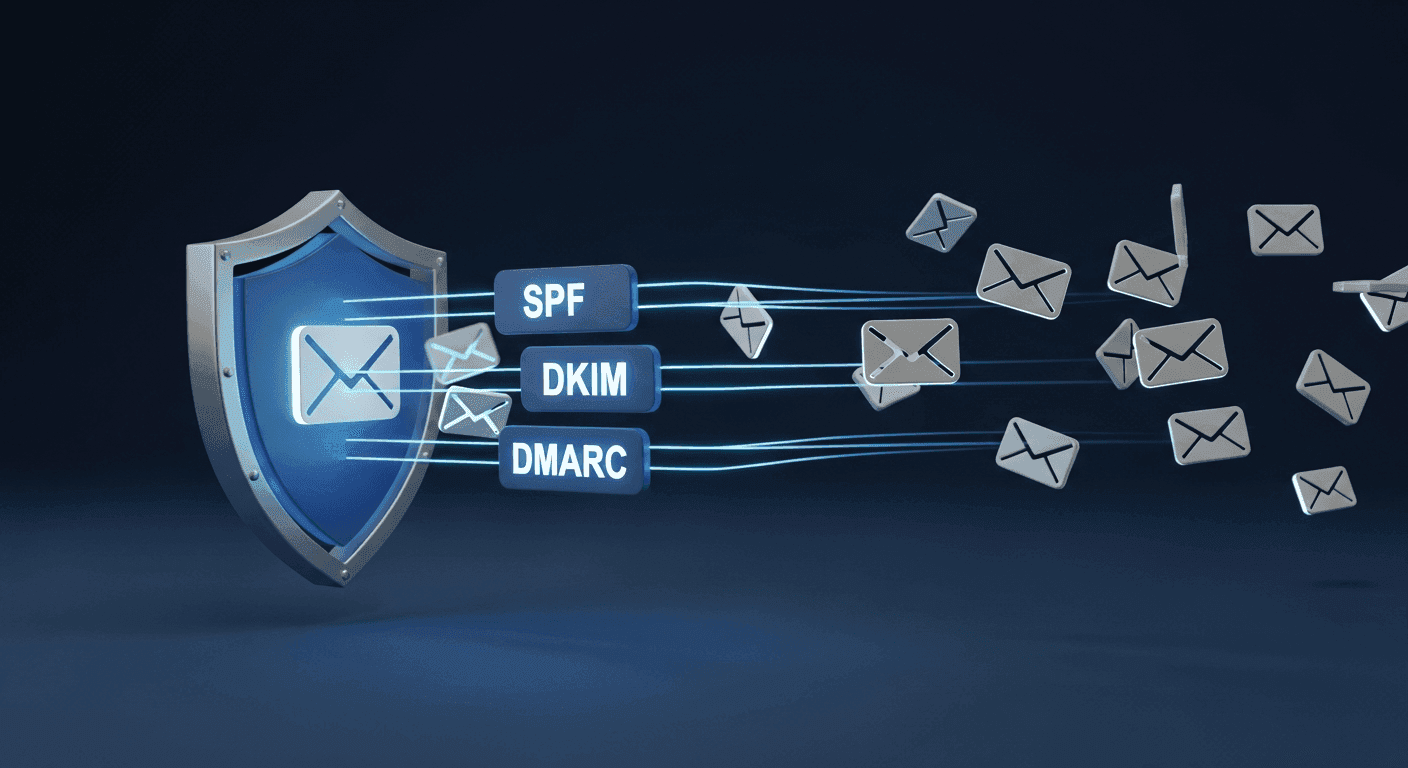
In today's digital world, email remains a cornerstone of communication, both personal and professional. Yet, as essential as it is, email faces constant threats from spam, phishing, and spoofing attempts. These unwelcome messages don't just clutter inboxes; they can damage your reputation, compromise security, and prevent legitimate emails from reaching their intended recipients. Ensuring your emails land safely and are trusted by mail servers is crucial for any website owner or business.
The good news is that there are powerful tools designed to combat these issues: specific DNS records known as SPF, DKIM, and DMARC. While these acronyms might sound technical, understanding their purpose in plain language is vital for anyone sending emails from their domain. They act as a sophisticated authentication system, telling receiving mail servers whether your emails are legitimate or potentially fraudulent, ultimately improving your email deliverability and protecting your online presence.
The Foundation: What are DNS Records and Why Do They Matter for Email?
Before diving into SPF, DKIM, and DMARC, it helps to understand what DNS records are in general. DNS, or Domain Name System, is essentially the internet's phonebook. When you type a website name like pixelhost.com into your browser, DNS translates that human-friendly name into a machine-readable IP address, guiding your browser to the correct server. For email, DNS plays a similar role.
Mail servers rely on DNS records to figure out where to send emails (using MX records) and, crucially, to verify the identity of the sender. Without proper authentication, any email could claim to be from your domain, making it easy for spammers and phishers to impersonate you. This is where SPF, DKIM, and DMARC step in, providing layers of verification that build trust between sending and receiving email systems.
SPF: Saying Who's Allowed to Send
SPF, or Sender Policy Framework, is like a guest list for your domain's email. It's a special DNS record that you publish for your domain, listing all the servers that are authorized to send email on your behalf. Think of it as a public declaration: "Only these specific mail servers are permitted to send emails from mydomain.com."
When an email arrives at a recipient's inbox, the receiving mail server checks its SPF record. It looks at the email's 'return path' address (which often contains the sender's domain) and then queries your domain's DNS for its SPF record. If the IP address of the server that sent the email matches an IP address or hostname listed in your SPF record, the email passes the SPF check. If it doesn't match, the email might be flagged as suspicious, sent to spam, or even rejected outright.
Without an SPF record, or with a poorly configured one, spammers can easily send emails pretending to be from your domain, a tactic known as 'spoofing.' This not only increases the chance of your legitimate emails being marked as spam but also harms your domain's reputation.
DKIM: The Digital Signature for Your Emails
DKIM, or DomainKeys Identified Mail, adds another layer of security by acting as a digital signature for your emails. While SPF confirms *who* is allowed to send from your domain, DKIM verifies that the email itself hasn't been tampered with since it left the sender's server and truly originated from your domain.
Here's how it works: When an email is sent from your domain, your mail server attaches a unique cryptographic signature to the email header. This signature is generated using a private key that only your server possesses. Simultaneously, a corresponding public key is published in your domain's DNS records. When the recipient's mail server receives the email, it uses the public key from your DNS to verify the signature. If the signature is valid, it confirms that the email is authentic and hasn't been altered during transit.
DKIM is particularly effective against 'in-transit' tampering and also helps receiving servers trust that the email genuinely comes from the domain it claims, even if the sending server's IP address isn't explicitly listed in an SPF record (though using both is ideal).
DMARC: The Policy Enforcer and Reporter
DMARC, or Domain-based Message Authentication, Reporting & Conformance, is the final and most powerful piece of the email authentication puzzle. It builds upon SPF and DKIM, acting as a policy enforcer and reporting mechanism. DMARC tells receiving mail servers what to do with emails that fail SPF or DKIM checks, and it provides valuable feedback on email authentication failures.
When you publish a DMARC record, you specify a policy for unauthenticated emails. This policy can be set to 'none' (monitor only), 'quarantine' (send to spam folder), or 'reject' (don't accept the email at all). This gives you control over how receiving servers treat emails that falsely claim to be from your domain. A strong DMARC policy significantly reduces the effectiveness of phishing and spoofing attacks.
Crucially, DMARC also enables reporting. Receiving mail servers that process emails from your domain can send you daily reports detailing how many emails passed or failed SPF and DKIM checks, and which sources are attempting to send email on your behalf. This visibility is invaluable for identifying legitimate sending sources that might not be correctly authenticated and for tracking down malicious actors trying to spoof your domain.
- Better email deliverability by building trust with receiving servers.
- Stronger protection against phishing and spoofing for your domain.
- Enhanced brand reputation and credibility.
- Valuable insights into your email sending ecosystem through reports.
- Compliance with increasing industry standards for email security.
Putting It All Together: A Unified Defense
Individually, SPF and DKIM provide important authentication checks. SPF checks the sending server's identity, while DKIM verifies the email's integrity and source domain via a digital signature. DMARC then brings these two together, acting as a centralized policy manager that decides how receiving servers should handle emails based on their SPF and DKIM authentication status.
Think of it as a multi-layered security system for your emails. SPF is the guard at the gate checking IDs. DKIM is the security seal on the package, ensuring it hasn't been tampered with. DMARC is the security chief who sets the rules for what happens if someone tries to get in without a proper ID or with a broken seal, and then reports back on all attempts. Implementing all three together creates a robust defense, significantly improving your email deliverability and protecting your domain from abuse.
Implementing These Records: A Practical Approach
Setting up SPF, DKIM, and DMARC records involves adding specific text entries to your domain's DNS settings. This is typically done through your domain registrar's control panel or your web hosting provider's cPanel or similar interface. While the exact steps can vary, the principle remains the same: you're publishing information that other mail servers can publicly access to verify your emails.
It's important to configure these records carefully. Incorrect entries can lead to your legitimate emails being rejected or marked as spam. If you're unsure, consult your hosting provider's documentation or support. Many email service providers (like those you might use for marketing or transactional emails) will also provide specific instructions for their recommended SPF and DKIM records to ensure their servers are authorized to send on your behalf.
While it might seem daunting at first, taking the time to properly implement SPF, DKIM, and DMARC is a vital step in safeguarding your email communications. It ensures your messages are trusted, reach their intended audience, and protects your domain's reputation in an increasingly complex digital landscape.
Sources & Further Reading
- Sender Policy Framework — Wikipedia
- DMARC — Wikipedia
- Sender Policy Framework (SPF) for Authorizing Use of Domains in E-Mail, Version 1 — IETF
- Domain-based Message Authentication, Reporting, and Conformance (DMARC) — IETF
- Set up DKIM to sign messages — Google Workspace Admin Help