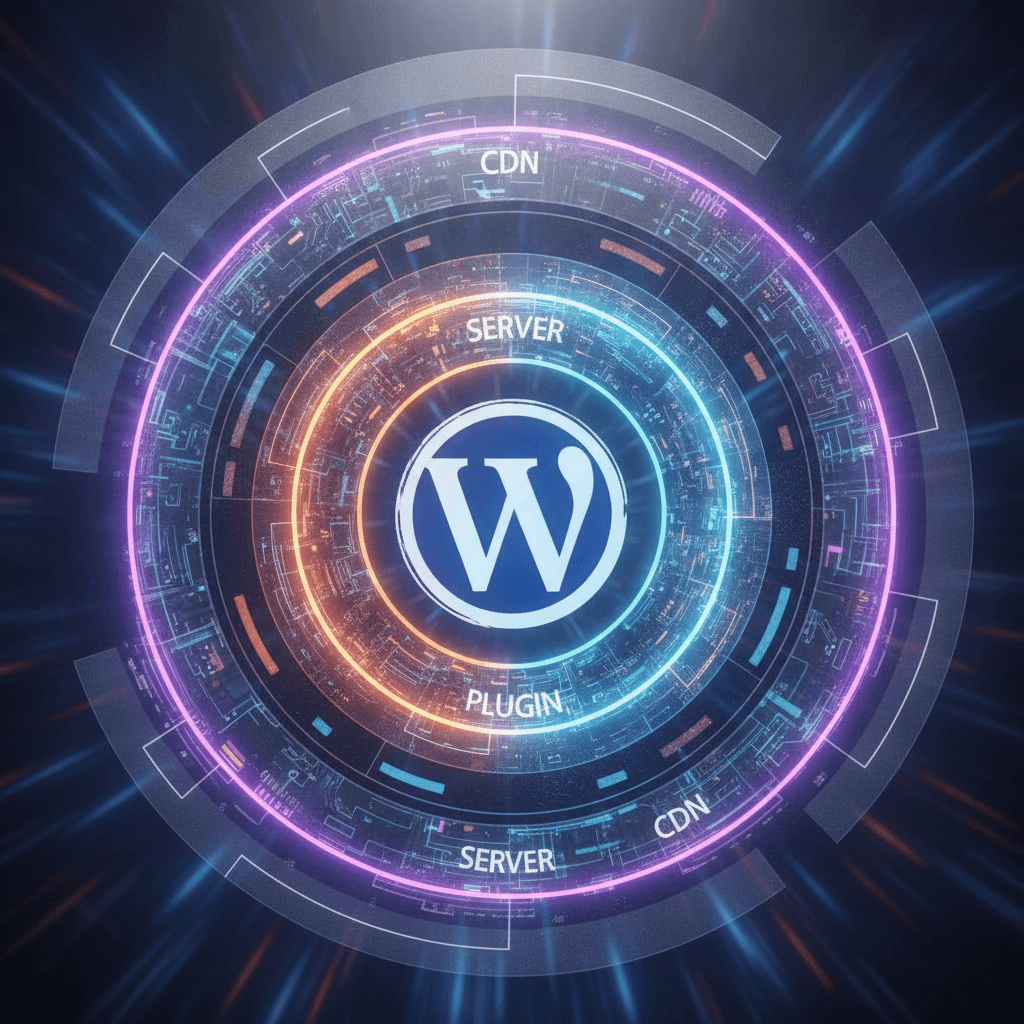
Your WordPress website is more than just a collection of pages and posts; it's a dynamic digital asset that requires regular attention to thrive. Just like any complex system, a WordPress site can encounter issues ranging from slow performance to security vulnerabilities if not properly maintained. Proactive care is key to ensuring your website remains fast, secure, and reliably available to your visitors.
While WordPress itself is a robust platform, a little extra help goes a long way. Essential plugins act as your website's dedicated health team, providing crucial tools for monitoring, protection, and optimization. These aren't just fancy add-ons; they are vital components of a comprehensive strategy to keep your site in peak condition, preventing potential problems before they become major headaches.
Fortifying Your Digital Gates: Security Plugins
In today's digital landscape, website security is non-negotiable. WordPress sites, due to their popularity, are often targets for malicious attacks, ranging from brute-force login attempts to sophisticated malware injections. A security breach can compromise your data, harm your reputation, and even lead to your site being blacklisted by search engines.
Security plugins provide a multi-layered defense system. They can act as a firewall, blocking suspicious traffic before it reaches your site. Many offer malware scanning and removal, identifying and cleaning up harmful code. Features like strong password enforcement, two-factor authentication, and login attempt limits further protect your administrative access, making it much harder for unauthorized users to gain entry. Regularly monitoring file changes and receiving security alerts ensures you're always aware of your site's protection status.
Your Safety Net: Backup Plugins
Imagine losing all your website content overnight due to a server crash, a human error during an update, or a security incident. Without a reliable backup, rebuilding your site from scratch would be a daunting, if not impossible, task. Backup plugins are your ultimate safety net, providing a way to restore your website to a previous, healthy state.
These plugins allow you to create full site backups, including all your files, databases, themes, and plugins. The best solutions offer automated scheduling, so you can set it and forget it, knowing your site is regularly being saved. They also provide options for storing backups in secure offsite locations, such as cloud storage services, protecting your data even if your primary server fails. The ability to restore your entire site with just a few clicks is invaluable, minimizing downtime and stress should the unexpected happen.
Boosting Your Site's Speed: Performance & Optimization Plugins
A slow-loading website frustrates visitors and can negatively impact your search engine rankings. Users expect websites to load quickly, and if yours doesn't, they're likely to leave before seeing your content. Optimizing your site's performance is crucial for user experience and its overall visibility online.
Performance plugins address various factors that contribute to slow loading times. Caching plugins store static versions of your pages, delivering them faster to repeat visitors. Image optimization tools compress and resize your images without sacrificing quality, which are often a major culprit for slow sites. Other features include minifying CSS and JavaScript files, lazy loading images, and optimizing your database, all working together to streamline your site's delivery to browsers.
- Faster page loading times for visitors.
- Improved user experience, leading to higher engagement.
- Better search engine rankings, as speed is a ranking factor.
- Reduced bounce rates, keeping visitors on your site longer.
- Lower server resource usage, potentially saving hosting costs.
Keeping Things Tidy: Maintenance & Monitoring Plugins
Beyond security and speed, ongoing maintenance is essential for a healthy WordPress site. Over time, your database can accumulate unnecessary data, links can break, and minor errors might go unnoticed until they escalate. Maintenance and monitoring plugins help you keep an eye on these often-overlooked aspects of site health.
These tools can assist with database optimization, cleaning out old revisions, spam comments, and transient data that can bloat your database and slow down your site. They can also help you identify and fix broken links, ensuring a smooth navigation experience for your visitors and preventing negative SEO impacts. Some plugins even offer detailed site health checks, providing actionable recommendations directly from your WordPress dashboard.
Furthermore, uptime monitoring features can alert you immediately if your site goes offline, allowing you to address issues promptly. Error logging capabilities help you pinpoint and diagnose problems, making troubleshooting much more efficient. Proactive monitoring ensures you're always one step ahead, catching minor glitches before they become critical failures.
Choosing the Right Tools: Best Practices
While there's a plugin for almost everything, it's important to choose wisely. Opt for reputable plugins with a good track record, regular updates, and positive reviews from the WordPress community. Avoid installing too many plugins, as this can sometimes lead to conflicts or negatively impact performance. Always check for compatibility with your current WordPress version and other installed plugins.
Remember that plugins are tools, not magic solutions. They require proper configuration and occasional checks to ensure they are working effectively. Regularly update your plugins, themes, and WordPress core to benefit from the latest features, security patches, and performance improvements. Before making significant changes or updates, it's always a good practice to perform a full backup of your site.
Implementing a proactive care strategy for your WordPress site doesn't have to be complicated. By leveraging essential plugins for security, backups, performance, and maintenance, you empower yourself to keep your website robust, reliable, and ready to serve your audience. Investing a little time in preventative measures today can save you significant headaches and ensure the long-term health and success of your online presence.
Sources & Further Reading
- OWASP Top Ten Web Application Security Risks — OWASP
- Hardening WordPress — WordPress.org
- WordPress Backups — WordPress.org
- Understand page experience in Google Search results — Google Search Central
- Website monitoring — Wikipedia