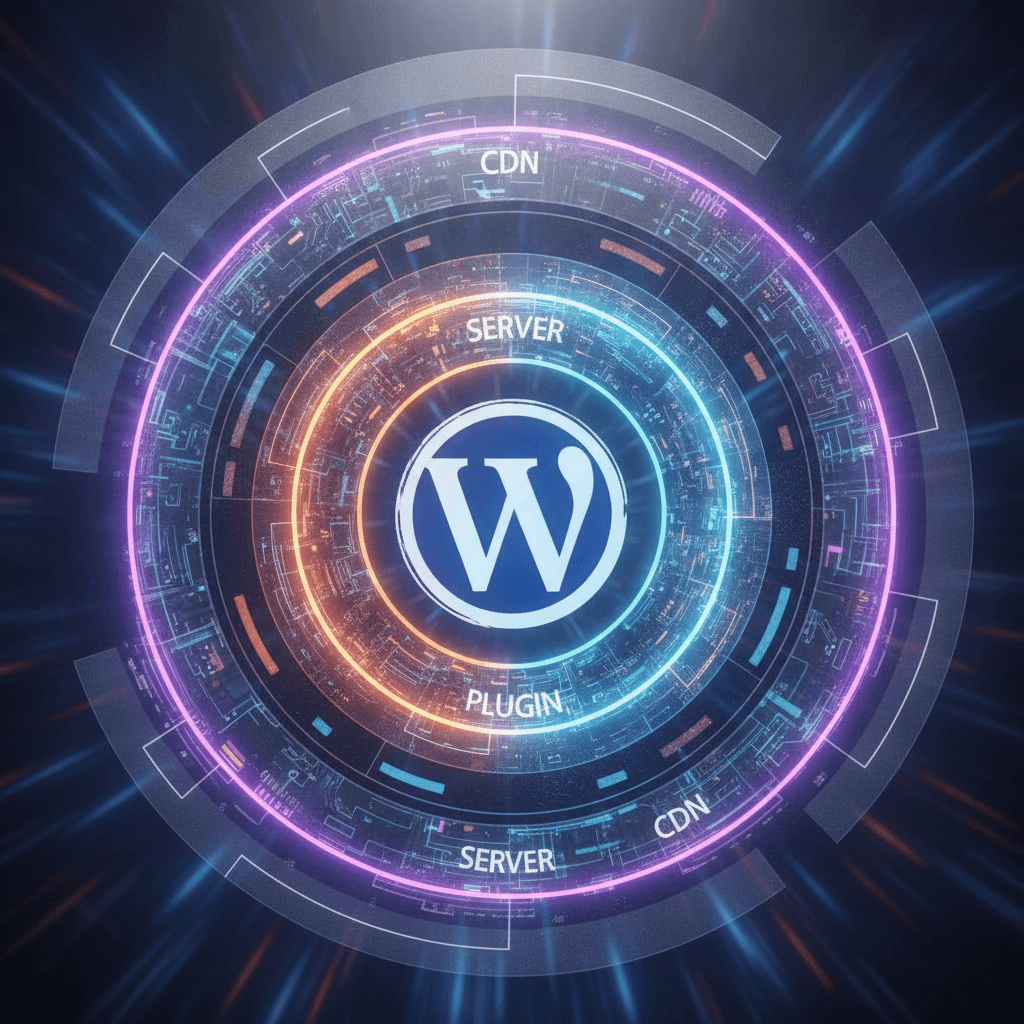
In the world of online presence, speed is king. A fast-loading website not only keeps your visitors happy but also plays a crucial role in your search engine ranking. If your WordPress site feels sluggish, caching is one of the most powerful tools you have to speed things up significantly. Think of caching as creating temporary copies of your website's content so that when a visitor requests a page, your server doesn't have to rebuild it from scratch every single time.
However, caching in WordPress isn't a one-size-fits-all solution. There are often multiple 'layers' of caching at play: server-side caching handled by your web host, plugin-based caching managed within WordPress itself, and Content Delivery Network (CDN) caching that distributes your content globally. Understanding how these layers interact and complement each other is key to achieving optimal performance without creating conflicts.
Understanding Caching: The Foundation of a Fast Website
At its core, caching is about efficiency. When someone visits your WordPress site, their browser sends a request to your web server. The server then processes that request, queries your database for content, generates the page, and sends it back. This entire process takes time and resources. Caching steps in by saving a ready-made version of your page or parts of it, so the server can deliver it almost instantly without all the heavy lifting.
The benefits are immense: faster load times lead to happier visitors, lower bounce rates, and better engagement. Search engines like Google also favor faster websites, potentially boosting your search rankings. Furthermore, caching reduces the strain on your server, which is especially important during traffic spikes, ensuring your site remains responsive and available.
Server-Side Caching: Your Host's Hidden Helper
The first layer of caching often happens before WordPress even gets involved. Many web hosting providers implement caching directly on their servers. This server-side caching can take various forms, like opcode caching (optimizing PHP code), object caching (speeding up database queries), or full page caching (serving an entire static HTML page directly from the server). It's incredibly efficient because it intercepts requests at the server level, preventing them from even reaching your WordPress installation for processing.
Your host typically configures and manages this type of caching. While you might have some controls in your hosting panel to clear or toggle it, it largely operates in the background, providing a foundational speed boost. It's often the fastest form of caching because it's optimized at the hardware and software level of the server infrastructure itself.
- Optimized at the underlying server level for maximum speed.
- Directly reduces the load on your web server resources.
- Can significantly speed up PHP execution and database access.
- Often requires minimal to no configuration from the website owner.
- Works before WordPress fully loads, providing an initial performance gain.
WordPress Plugin Caching: Your Site's Personal Accelerator
The most common way WordPress users implement caching is through dedicated caching plugins. These plugins work within your WordPress installation to generate static HTML versions of your dynamic pages, storing them on your server. When a user requests a page, the plugin serves this pre-built HTML file instead of asking WordPress to dynamically generate it, which involves database queries and PHP processing.
Beyond full page caching, many plugins also offer additional optimization features. These can include browser caching (telling visitors' browsers to store certain files locally), minification (reducing the size of your code files), and combining files. These features further reduce the amount of data that needs to be downloaded and processed by a user's browser, leading to an even snappier experience. Configuring a caching plugin requires a bit more hands-on effort, but the results are often well worth it.
CDN Caching: Global Speed for Global Audiences
For websites with a global audience or a lot of static content (like images, videos, CSS, and JavaScript files), a Content Delivery Network (CDN) adds another powerful layer of caching. A CDN is a network of servers strategically located in data centers around the world. When you use a CDN, copies of your website's static assets are stored (cached) on these various servers, also known as 'edge servers.'
When a visitor accesses your site, the CDN automatically delivers your content from the closest edge server to them, not necessarily from your original web host. This drastically reduces the physical distance data has to travel, resulting in much faster load times for users across different geographic locations. CDNs also offload traffic from your main server, improving its performance and often providing an extra layer of security against certain types of attacks.
Orchestrating Harmony: Making Your Caching Layers Work Together
The key to mastering WordPress caching is understanding that these layers aren't mutually exclusive; they can work together. However, having multiple caching layers can also lead to conflicts or redundancies if not managed carefully. For example, if your host provides robust full page caching, enabling the same feature in a WordPress plugin might be unnecessary or even detrimental, potentially causing content to not update correctly.
The best approach is to understand what each layer provides. If your host has server-side page caching, you might focus your WordPress plugin's efforts on browser caching, minification, and other optimizations. Always clear all relevant caches (server, plugin, and CDN) after making significant updates to your site (like publishing a new post or changing themes) to ensure visitors see the most current version. Regularly test your site's speed after making caching adjustments to ensure optimal performance and avoid unintended issues.
The Path to a Blazing Fast WordPress Site
Achieving a truly fast WordPress website involves more than just installing a single plugin. It requires a holistic approach that considers the capabilities of your web host, the granular control offered by caching plugins, and the global reach of a CDN. By understanding how server, plugin, and CDN caching layers function independently and in concert, you can build a robust strategy that delivers content quickly and efficiently to all your visitors.
Embrace these caching techniques, and you'll not only enhance the user experience but also give your website a competitive edge in the fast-paced digital landscape. A little knowledge and careful configuration can go a long way in transforming a slow site into a speedy success.
Sources & Further Reading
- HTTP caching — MDN Web Docs
- Web cache — Wikipedia
- Fast load times — web.dev
- Varnish (software) — Wikipedia