Your website is the digital storefront for your ideas, business, or passion. But what if that storefront is slow to open, leaving visitors waiting on the doorstep? In the fast-paced online world, a sluggish website is more than just an inconvenience; it's a barrier that can drive away potential customers and readers. Many WordPress users don't realize that some of the most powerful tools for their site – plugins and themes – can also be the hidden culprits behind frustrating slowdowns.
These "silent killers" often operate in the background, subtly draining your site's speed without obvious signs. Understanding how to identify and fix these performance bottlenecks is crucial for maintaining a fast, efficient, and user-friendly website. This guide will walk you through detecting these issues and implementing straightforward solutions to bring your WordPress site back to optimal speed.
The Hidden Impact of Slowdowns
A slow website doesn't just annoy visitors; it actively harms your online presence. When pages take too long to load, people tend to "bounce" – leaving your site before they've even had a chance to engage with your content or products. This high bounce rate signals to search engines that your site might not be providing a good user experience, potentially pushing your rankings down.
Beyond immediate user frustration, slow performance translates into missed opportunities. If a potential customer can't quickly access your product page or a reader gives up before an article loads, you've lost that interaction. Over time, these small delays can significantly impact your website's ability to achieve its goals, whether that's selling products, generating leads, or sharing information.
Common Culprits: How Plugins & Themes Can Slow You Down
Plugins and themes are the backbone of WordPress, providing functionality and design without needing to write code. However, not all are created equal. Poorly coded plugins might execute inefficient queries, load unnecessary scripts, or consume excessive server resources. Similarly, themes packed with endless features, complex animations, or large default images can weigh down your site.
- Excessive Features: Themes or plugins that try to do too much often come with a lot of code that isn't always needed.
- Unoptimized Code: Inefficient or poorly written code can lead to longer processing times on your server.
- Large Asset Files: Themes that load many large images, custom fonts, or uncompressed JavaScript/CSS files.
- Too Many External Requests: Plugins that frequently call out to external services can add significant delays.
- Compatibility Issues: Conflicts between different plugins or between a plugin and your theme can cause errors and slowdowns.
- Outdated Software: Old versions of themes or plugins can have performance bugs that have been fixed in newer releases.
Identifying the "Silent Killers": How to Spot Trouble
Pinpointing the exact source of a slowdown can feel like detective work, but several tools and methods can help you uncover the culprits. Start by simply observing your site's load times on different pages and devices. While this is anecdotal, it provides a starting point. For more precise data, specialized performance testing tools are invaluable.
These tools analyze your website and provide detailed reports on what's taking the longest to load, often highlighting specific scripts, images, or server responses. Once you have a general idea of where the slowdowns are occurring, you can start a systematic process to isolate the problematic elements.
- Use a Performance Testing Tool: Services like Google PageSpeed Insights, GTmetrix, or Pingdom Tools offer insights into your site's speed and identify bottlenecks.
- Deactivate Plugins One by One: This is a classic troubleshooting method. Deactivate all plugins, then reactivate them one by one, checking your site's speed after each activation. The plugin that causes a noticeable slowdown is likely a culprit.
- Switch to a Default Theme: Temporarily activate a default WordPress theme (like Twenty Twenty-Four) to see if your theme is the source of the issue.
- Check Your Server Error Logs: Sometimes, conflicts or errors generated by plugins or themes are logged by your web host, providing clues.
- Test on a Staging Site: Before making changes to your live site, create a staging environment (a copy of your site) where you can safely test themes and plugins.
Taking Action: Fixing the Performance Drain
Once you've identified the plugins or themes causing issues, it's time to act. The goal is to either optimize the problematic element or find a more efficient alternative. Don't be afraid to make tough choices for the health of your site.
- Choose Lightweight Alternatives: If a plugin or theme is too resource-intensive, search for a lighter, more efficient option that provides similar functionality.
- Keep Everything Updated: Regularly update WordPress core, themes, and plugins. Updates often include performance enhancements and bug fixes.
- Implement Caching: Caching plugins store static versions of your pages, serving them faster to returning visitors and reducing server load.
- Optimize Images: Large, unoptimized images are a huge drain. Use image compression plugins or tools to reduce file sizes without sacrificing quality.
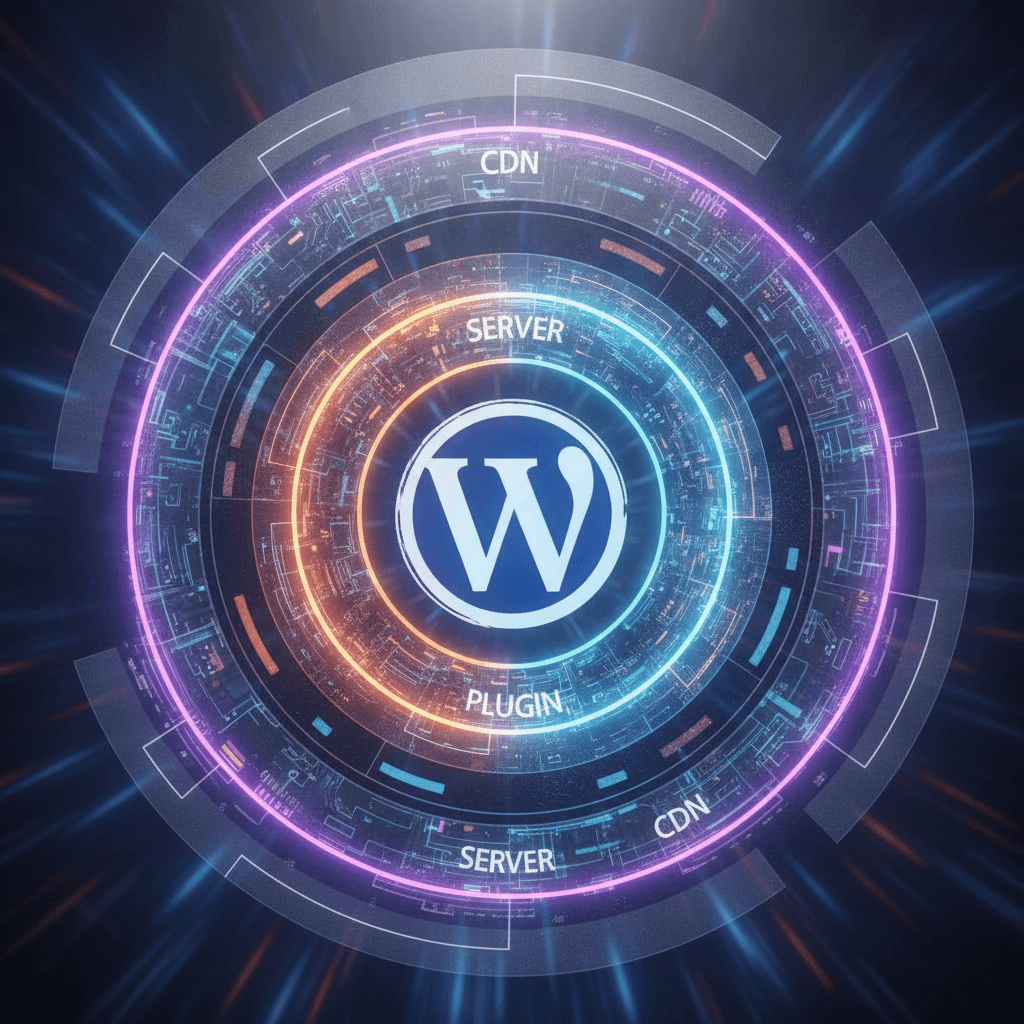
- Use a Content Delivery Network (CDN): A CDN stores copies of your site's static files on servers around the world, delivering content faster to visitors based on their geographical location.
- Clean Up Your Database: Over time, your WordPress database can accumulate unnecessary data. Use optimization plugins to clean up revisions, spam comments, and transient options.
- Review and Remove Unused Items: Delete any plugins or themes you no longer use. Even inactive ones can sometimes pose a security risk or add bloat.
- Consider Professional Help: If you're overwhelmed, a WordPress performance expert can diagnose and fix complex issues.
Proactive Measures: Preventing Future Slowdowns
Prevention is always better than cure. By adopting smart practices from the outset, you can minimize the chances of your site slowing down again.
Before installing any new plugin or theme, do your research. Check reviews, look at when it was last updated, and see if the developer actively supports it. Prioritize options known for being lightweight and well-coded. Regularly audit your website, perhaps once every few months, to review your plugins and themes. Ask yourself if you truly need every feature and if there are more efficient ways to achieve your goals. A fast website isn't a one-time fix; it's an ongoing commitment to maintenance and smart choices.
A fast website is fundamental to a positive user experience and your online success. While WordPress plugins and themes offer incredible power and flexibility, they can also become "silent killers" of your site's performance if not managed carefully. By understanding how to identify, troubleshoot, and optimize these elements, you gain control over your website's speed. Implement the strategies outlined here, and you'll not only improve your site's performance but also ensure a smoother, more enjoyable experience for every visitor.
Sources & Further Reading
- Web Performance — MDN Web Docs
- Website performance — Wikipedia
- Minify CSS — web.dev
- Optimization — WordPress.org documentation