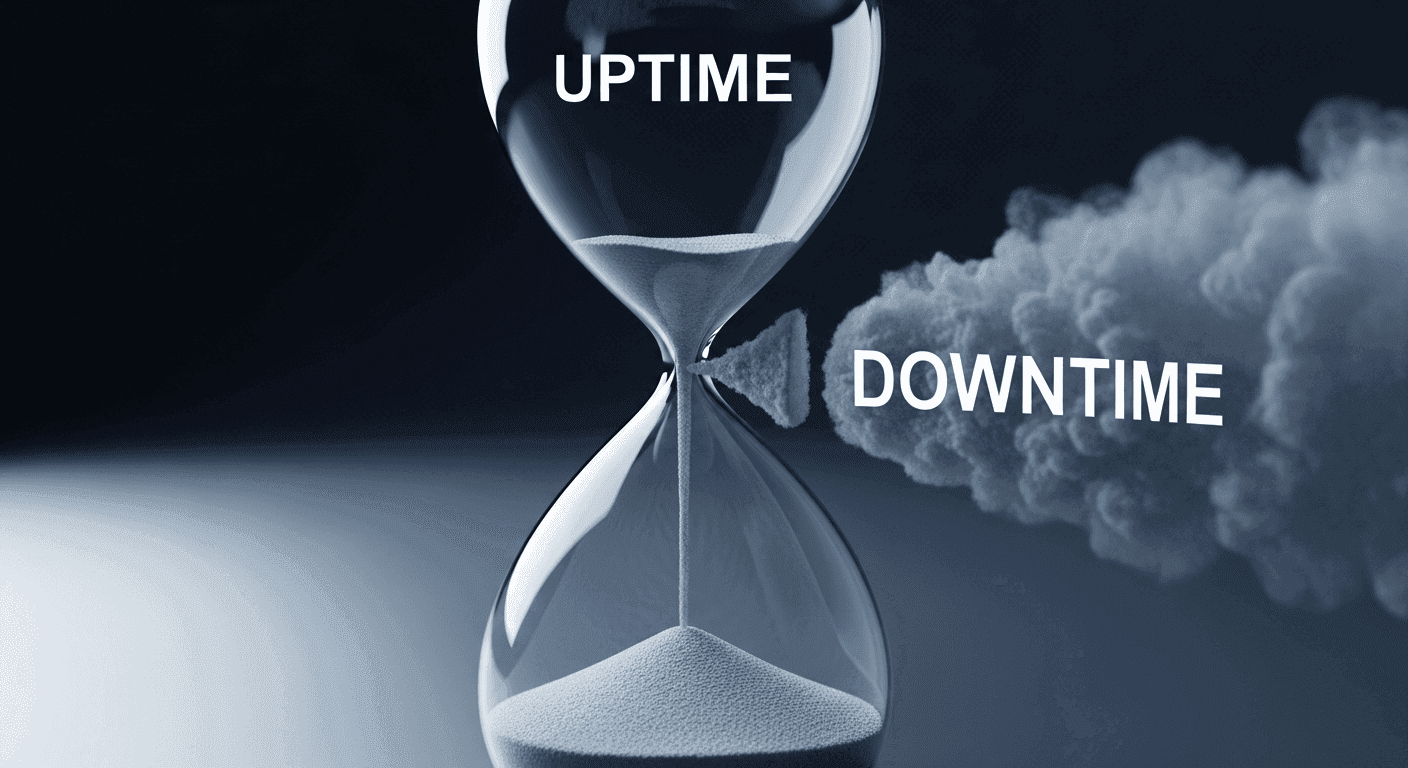
Your website is your digital presence, needing to be available around the clock for visitors. This constant accessibility isn't just a convenience; it's fundamental to your online success and reputation. This is where "uptime" becomes crucial, often encapsulated in your hosting provider's Service Level Agreement (SLA).
Many providers advertise an impressive 99.9% uptime guarantee, but understanding what that percentage truly signifies and what happens if it isn't met is vital. It's time to look beyond the headline number and demystify the fine print.
What Exactly is an Uptime SLA?
When you choose a web host, you enter into an agreement for a service. A Service Level Agreement, or SLA, is a formal part of that contract, outlining the specific level of service you can expect. In the context of web hosting, the most common and critical part of an SLA is the "uptime guarantee." Uptime refers to the percentage of time your website and its server are online and fully operational, meaning visitors can access your site without issues.
Essentially, an uptime SLA is your hosting provider's written promise regarding how consistently they will keep your website accessible. It’s a commitment to a certain standard of reliability, acting as a measurable benchmark for their performance. While the number itself is important, the true value lies in understanding the terms and conditions attached to this critical promise.
Deciphering the "99.9%" - What Does It Really Mean?
The "99.9%" figure is common in web hosting, but its real-world implications are often misunderstood. Even a tiny fraction of a percentage point can mean significant downtime. Let's break down what different uptime percentages actually mean:
- 99.9% Uptime: Allows for approximately 43 minutes and 50 seconds of downtime per month, or about 8 hours and 45 minutes per year.
- 99.99% Uptime: Reduces downtime to roughly 4 minutes and 22 seconds per month, or about 52 minutes per year.
- 99.999% Uptime ("Five Nines"): Equates to only about 26 seconds of downtime per month, or just over 5 minutes per year.
As you can see, the difference between 99.9% and 99.99% is substantial when it comes to how long your site might be offline. For businesses that depend heavily on their website for sales, customer service, or information delivery, even a few minutes of unexpected downtime can lead to lost revenue, frustrated visitors, and damage to their brand reputation. Understanding these numbers helps set realistic expectations for your website's availability.
The Fine Print: Exclusions and Caveats
An SLA provides a guarantee, but these agreements almost always include "fine print" in the form of exclusions. These are specific situations where the provider is not responsible for downtime, meaning the uptime guarantee doesn't apply. Ignoring these caveats can lead to a misunderstanding of your host's true liability.
- Scheduled Maintenance: Planned server upgrades, security patches, or infrastructure improvements, often with advance notice.
- User Error: Downtime caused by your actions, such as incorrect website configurations or faulty code.
- Third-Party Issues: Problems originating from external services not directly controlled by your host, like DNS propagation delays.
- Distributed Denial of Service (DDoS) Attacks: Downtime caused by severe or prolonged attacks, even if some protection is offered.
- Force Majeure Events: Unforeseeable circumstances beyond human control, such as natural disasters or widespread power outages.
These exclusions are not necessarily a sign of a bad host, but they highlight the importance of thoroughly reading the full SLA document. What counts as "uptime" for the provider might not align perfectly with every moment your site is inaccessible to a visitor.
Beyond the Percentage: Factors Affecting Real-World Uptime
While the uptime percentage is a good starting point, it doesn't tell the whole story about your website's reliability. The actual infrastructure and operational practices behind that number are just as critical. A provider with a strong SLA backed by robust systems will generally deliver better real-world performance.
Consider these factors: server infrastructure (quality hardware, redundancy), network reliability (fast, stable backbone, multiple connections), monitoring and response (quick detection and resolution), data center quality (physical environment, power backups), and geographic redundancy (servers in multiple locations for critical sites). These elements collectively contribute to the actual stability and speed of your website, often more so than a simple percentage number.
What Happens When the SLA Is Breached?
So, your website experiences downtime that falls outside the SLA's exclusions, and the total outage time exceeds the guaranteed percentage. What then? Most hosting providers outline the consequences of an SLA breach, which almost universally involve service credits.
Service credits are typically a percentage of your monthly hosting fee, applied to your account as a discount on future invoices. The exact amount and conditions vary widely. These credits are not a cash refund and don't compensate for lost business. To receive them, you usually need to proactively monitor your uptime, document the outage, and formally request the credit from your provider within a specific timeframe. Always review your host's SLA for their specific claim process.
Choosing a Provider with a Strong SLA
Selecting a web host isn't just about finding the cheapest option or the biggest storage space; it's about securing a reliable partner for your online presence. When evaluating hosting providers, look beyond the initial "99.9%" claim and delve deeper into their SLA.
Read the full SLA document to understand exclusions and compensation. Research provider reputation and customer reviews for consistent positive feedback. Assess customer support quality, as responsive, knowledgeable help is critical. Look for infrastructure transparency regarding data centers and network. Finally, consider if they offer monitoring tools or performance reports. By taking a comprehensive approach, you can make an informed decision and safeguard your website against unexpected downtime.
Sources & Further Reading
- Service-level agreement — Wikipedia
- High availability — Wikipedia
- Reliability pillar — Google Cloud Documentation
- How the web works — MDN Web Docs


