WordPress websites rely on speed to keep visitors engaged and happy. One of the most powerful tools for making your site load faster is called caching. Think of caching like creating a temporary, quickly accessible copy of your website's content. Instead of building everything from scratch every time someone visits a page, your site can serve up a pre-made version, saving precious seconds.
The challenge arises because caching can happen at many different levels – your web host, specific WordPress plugins, or even a service designed to deliver content across the globe. While each of these layers aims to speed things up, having too many or poorly configured caching systems can lead to conflicts, slowing your site down or even showing outdated content. This guide will help you understand these layers and how to make them work together, ensuring your WordPress site runs at peak performance.
Understanding Caching: Your Website's Speed Booster
At its core, caching is a simple but incredibly effective concept. When a visitor lands on your WordPress site, their browser typically requests many different pieces of information – text, images, styles, and scripts. Without caching, your server has to process all these requests, fetch data from your database, and build the page from scratch every single time. This takes time and uses up server resources.
Caching steps in by saving a static version of your website's pages and data. The next time someone requests that same page, the cached version is served almost instantly, bypassing much of the heavy lifting. This dramatically reduces load times, improves user experience, and allows your server to handle more visitors efficiently. It’s a win-win for everyone.
The Different Layers of WordPress Caching
To truly avoid conflicts, it's helpful to know where caching can occur. It's not just one thing; it's a series of potential checkpoints where your site's content can be stored temporarily. Each layer has its own purpose and method, and understanding them is key to managing your site's performance.
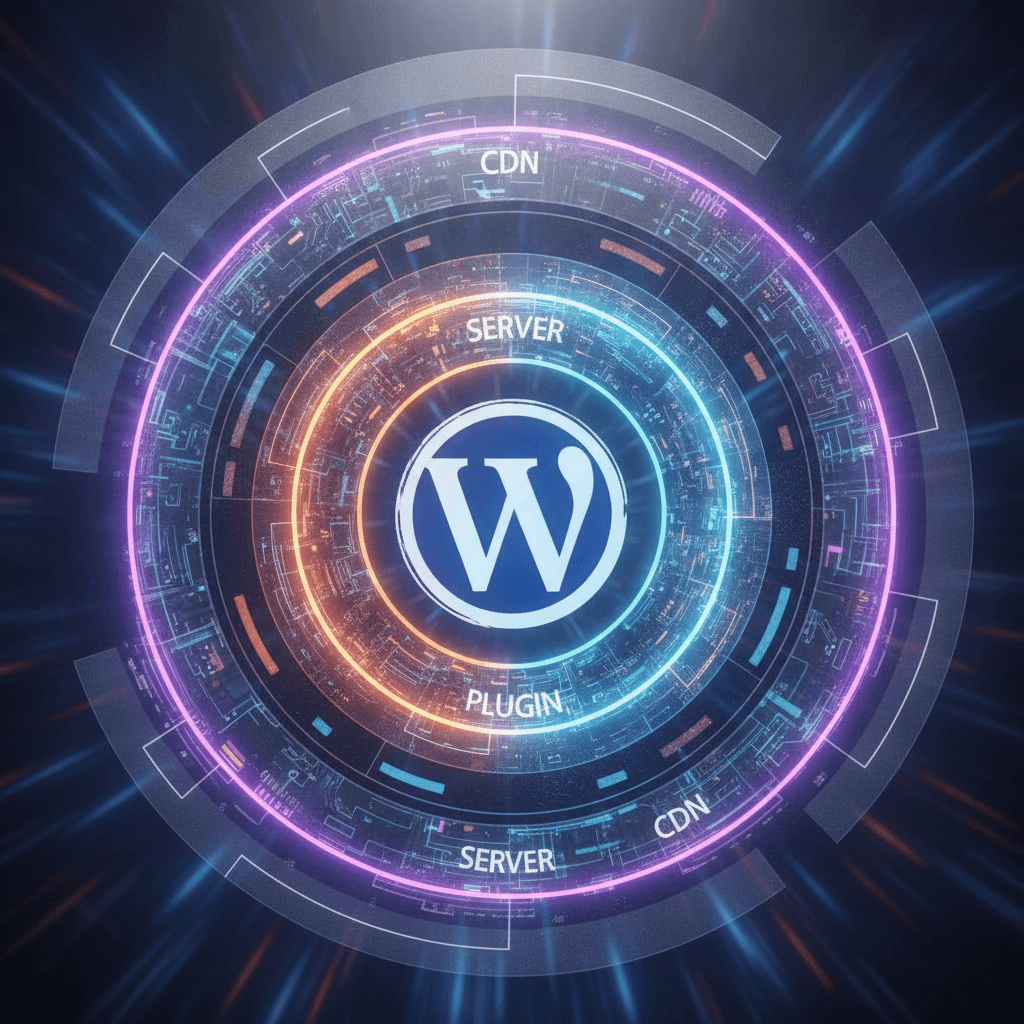
The main layers include browser caching, where your visitor's web browser saves parts of your site for future visits; server-side caching, often managed by your web host directly on their servers; and application-level caching, which is typically handled by WordPress plugins installed on your site. Additionally, Content Delivery Networks (CDNs) act as a global network of servers that cache your content closer to your visitors, further speeding things up.
When Caching Layers Clash: The Conflict Zone
Imagine trying to give directions to someone, but three different people are shouting conflicting instructions at the same time. That's similar to what happens when caching layers clash. If your web host has a powerful server-level caching system, but you also enable every caching option in a WordPress plugin, these systems might try to cache the same content differently or at different times.
The result of these conflicts can be frustrating. You might update a page, but visitors still see the old version because a conflicting cache hasn't refreshed. Forms might stop working correctly, or certain interactive elements could break. In some cases, the site might even become slower as different caching systems fight over which version of content to serve, adding unnecessary processing rather than reducing it.
Strategies for Harmonious Caching
The secret to preventing caching conflicts lies in creating a harmonious system where each layer knows its role. You generally want one primary caching method doing the heavy lifting, with other layers either supporting it or being disabled to avoid interference. Here’s how to approach it:
- Choose One Primary Caching Plugin: If you decide to use a WordPress caching plugin, pick one reputable option and stick with it. Avoid installing multiple caching plugins, as they are almost guaranteed to conflict.
- Understand Your Host's Caching: Many web hosts offer built-in server-level caching. This is often very efficient. Consult your host's documentation or support to understand their caching setup and how to manage it.
- Disable Redundant Features: If your host provides caching, disable similar caching features within your WordPress plugin (e.g., page caching, object caching) to prevent overlap. Focus on unique features your plugin offers.
- Clear Cache Regularly: After making significant updates to your website (e.g., publishing a new post, updating a plugin, changing themes), always clear all active caches – your plugin's cache, your host's cache, and your CDN's cache.
- Test Your Site Thoroughly: After making any changes to your caching setup, visit your site as a logged-out user and check key pages and functionalities to ensure everything is working correctly and loading quickly.
- Use a CDN Wisely: A CDN is excellent for global reach, but ensure it's configured to work with your primary caching system. Often, the CDN will pull fresh content after you've cleared your site's local caches.
Best Practices for Caching Management
When deciding on your caching strategy, often the most powerful and efficient caching happens at the server level. If your web host provides robust server-side caching, it's frequently the best primary option to use, as it can be faster than a plugin operating within WordPress itself. In such cases, your WordPress caching plugin might be best utilized for specific optimizations like browser caching or database optimization, rather than full-page caching.
To identify and disable conflicting caches, check the settings panels of your caching plugins, performance plugins, and even your web host's control panel. Look for options related to "page caching," "object caching," or "database caching." If you're unsure, disabling a feature and then testing your site is a safe approach. Remember, the goal is clarity and simplicity in your caching setup, not complexity. Always back up your site before making significant changes to avoid any issues.
The Payoff: A Faster, Smoother WordPress Site
A well-managed caching strategy is one of the most impactful ways to improve your WordPress site's performance. By avoiding conflicts and ensuring your caching layers work together seamlessly, you provide a superior experience for your visitors. Pages load faster, navigation feels snappier, and your content is delivered without delay.
Beyond the immediate user experience, a faster website also contributes positively to your site's search engine ranking and can even reduce your server's resource usage. Taking the time to understand and fine-tune your caching setup is an investment that pays off in happier visitors, better visibility, and a more efficient website overall. Embrace a layered, but harmonious, approach to unlock your WordPress site's full speed potential.
Sources & Further Reading
- HTTP Cache — web.dev
- HTTP caching — MDN Web Docs
- Web cache — Wikipedia
- Transients API Handbook — WordPress.org