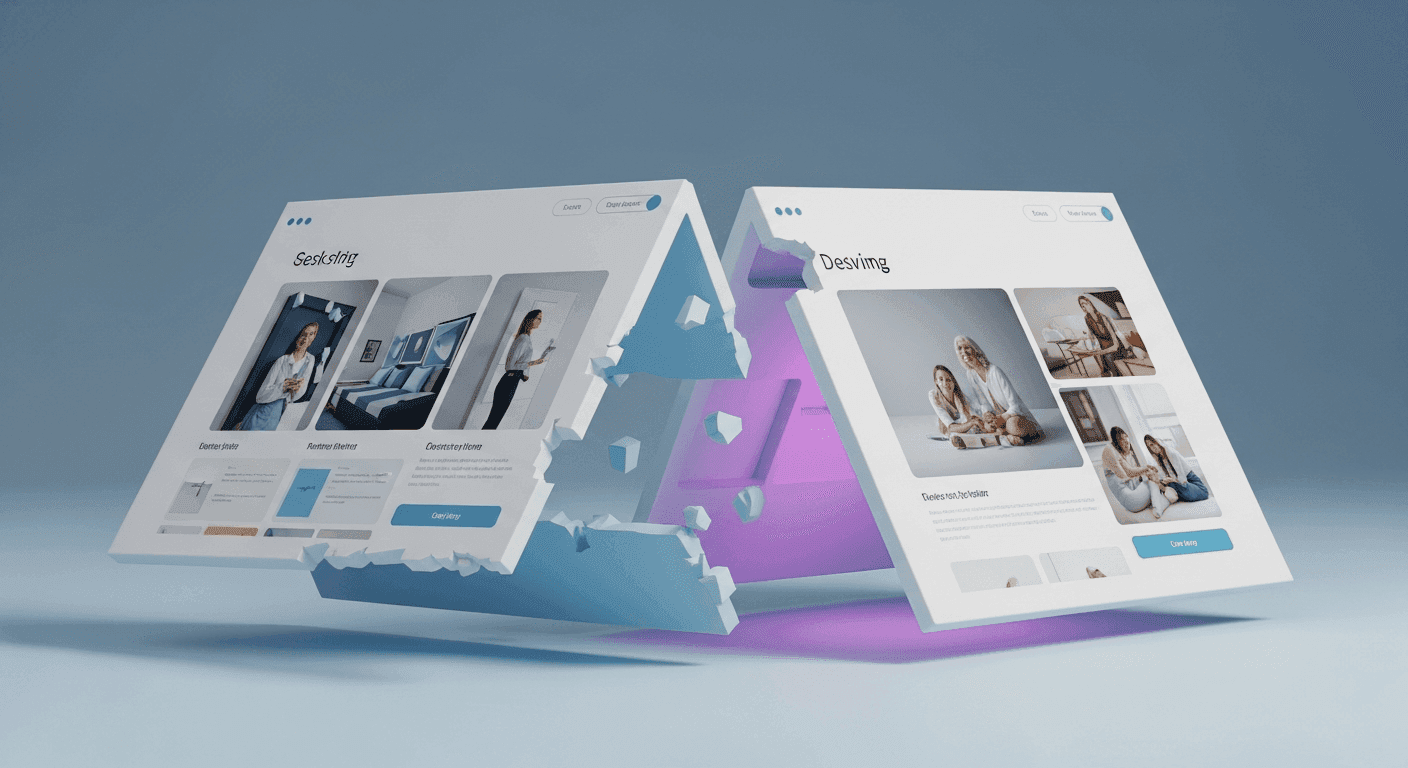
Your website's template or theme is more than just a visual skin; it's the fundamental framework that dictates how your site looks, feels, and even performs. From the layout of your pages to the navigation menu and how your content is displayed, the template shapes the entire user experience. Over time, as your brand evolves or web design trends shift, you might consider changing your website builder template. This decision can be exciting, offering a fresh start and a modern look, but it's also a significant undertaking with far-reaching implications.
Before you dive into a new design, it's crucial to understand how switching templates can affect key aspects of your online presence. This guide will walk you through the potential impacts on your site's design, how your content is managed, and, importantly, its search engine optimization (SEO). Being prepared can help you navigate the transition smoothly and maintain, or even improve, your website's performance.
Understanding Website Templates and Their Role
Website builders like Squarespace, Wix, or Shopify provide users with a selection of pre-designed templates. These templates serve as the blueprint for your website, offering a specific layout, style, and set of features. While you can customize colors, fonts, and images, the core structure is defined by the template. Switching templates means you are essentially changing this underlying blueprint, which will inevitably alter how your site functions and appears to visitors.
Each template is designed with a particular aesthetic and user flow in mind. Some are minimalist, focusing on imagery, while others might be content-heavy, built for blogs or news sites. The decision to switch often comes from a desire to refresh your brand, improve user experience, or leverage new design capabilities offered by a different template.
Impact on Design and User Experience
The most immediate and obvious impact of changing your template is on your website's visual design. A new template will introduce different layouts for pages, headers, footers, and content blocks. Your existing images and text might look different, potentially requiring adjustments to fit the new design's proportions and styling. Colors, fonts, and spacing will also change, giving your site a completely new aesthetic.
Beyond aesthetics, the new template will affect user experience (UX). Navigation menus might be structured differently, call-to-action buttons could be placed in new locations, and interactive elements might behave uniquely. It's essential to ensure the new template maintains or enhances intuitiveness, making it easy for visitors to find what they need and interact with your site. Responsiveness across different devices (desktops, tablets, smartphones) is also a critical design factor; ensure your chosen template is fully responsive.
Content Migration and Refinement
While most website builders aim to make content migration straightforward, switching templates often means your existing content will need careful review and potential reformatting. Text blocks that fit perfectly in your old template might appear truncated, misaligned, or awkwardly spaced in the new one. Images may need to be resized, re-cropped, or even replaced to suit the new template's image aspect ratios and display areas.
Certain template-specific content elements, such as custom widgets, testimonials sliders, or unique gallery formats, might not transfer directly to a new template. You may need to rebuild these sections using the new template's features or find suitable alternatives. This is an opportune moment to audit your content, removing outdated information and improving clarity or conciseness where needed.
SEO Considerations During a Template Switch
One of the most critical areas to monitor during a template switch is your search engine optimization (SEO). A new template can significantly impact how search engines perceive and rank your site. While some changes might be beneficial, others could inadvertently harm your rankings if not managed carefully. Factors like site speed, mobile-friendliness, and internal linking structures are heavily influenced by your template.
A well-coded, lightweight template can improve page load times, which is a positive SEO signal. Conversely, a poorly optimized template with excessive code or heavy assets can slow down your site. Ensure your new template is designed with SEO best practices in mind, including clean code, proper heading structure, and efficient image loading. It's also vital to check if any custom SEO settings or metadata from your old template are carried over or need to be re-entered.
- Check for broken links: Internal and external links might break if content or page structures shift.
- Monitor page speed: Use online tools to compare load times before and after the switch.
- Verify mobile responsiveness: Ensure the new template looks and functions well on all devices.
- Review heading tags: Confirm H1, H2, H3 tags are correctly applied to content for search engines.
- Update XML sitemap: Submit a new sitemap to search engines once the template is live.
- Set up 301 redirects: If any page URLs change, implement redirects to prevent 404 errors.
Performance and Technical Aspects
Beyond SEO and design, a template switch can influence the technical performance of your website. Different templates often come with varying levels of behind-the-scenes code and integrated features. A modern, optimized template might offer better performance, leading to faster loading times and a smoother experience for users. Conversely, a template with many features you don't use could introduce unnecessary code, potentially slowing down your site.
Consider the integrations your website relies on. Some templates might have built-in compatibility with certain third-party tools or services, while others may require manual setup or a different approach. Always review the technical specifications and feature list of a new template to ensure it meets your operational needs without compromising performance.
Best Practices for a Smooth Transition
To minimize disruption, thorough preparation is key. Start by backing up your entire website before making any changes. Most website builders offer a way to duplicate your site or export content, providing a safety net if things don't go as planned. Test the new template extensively in a preview or staging environment, if available, before publishing it live. This allows you to identify and fix issues without affecting your current visitors.
During the transition, pay close attention to user feedback and website analytics. Monitor your traffic, bounce rate, and conversion rates to quickly spot any negative impacts. A template switch can be an excellent opportunity to revitalize your online presence, but careful planning and execution are essential to ensure a positive outcome for your design, content, and search engine visibility.
Sources & Further Reading
- Move a site with URL changes — Google Search Central
- Core Web Vitals — web.dev
- 10 Usability Heuristics for User Interface Design — Nielsen Norman Group
- Creating helpful, reliable, people-first content — Google Search Central
- CSS layout cookbook — MDN Web Docs